
·
2 min read
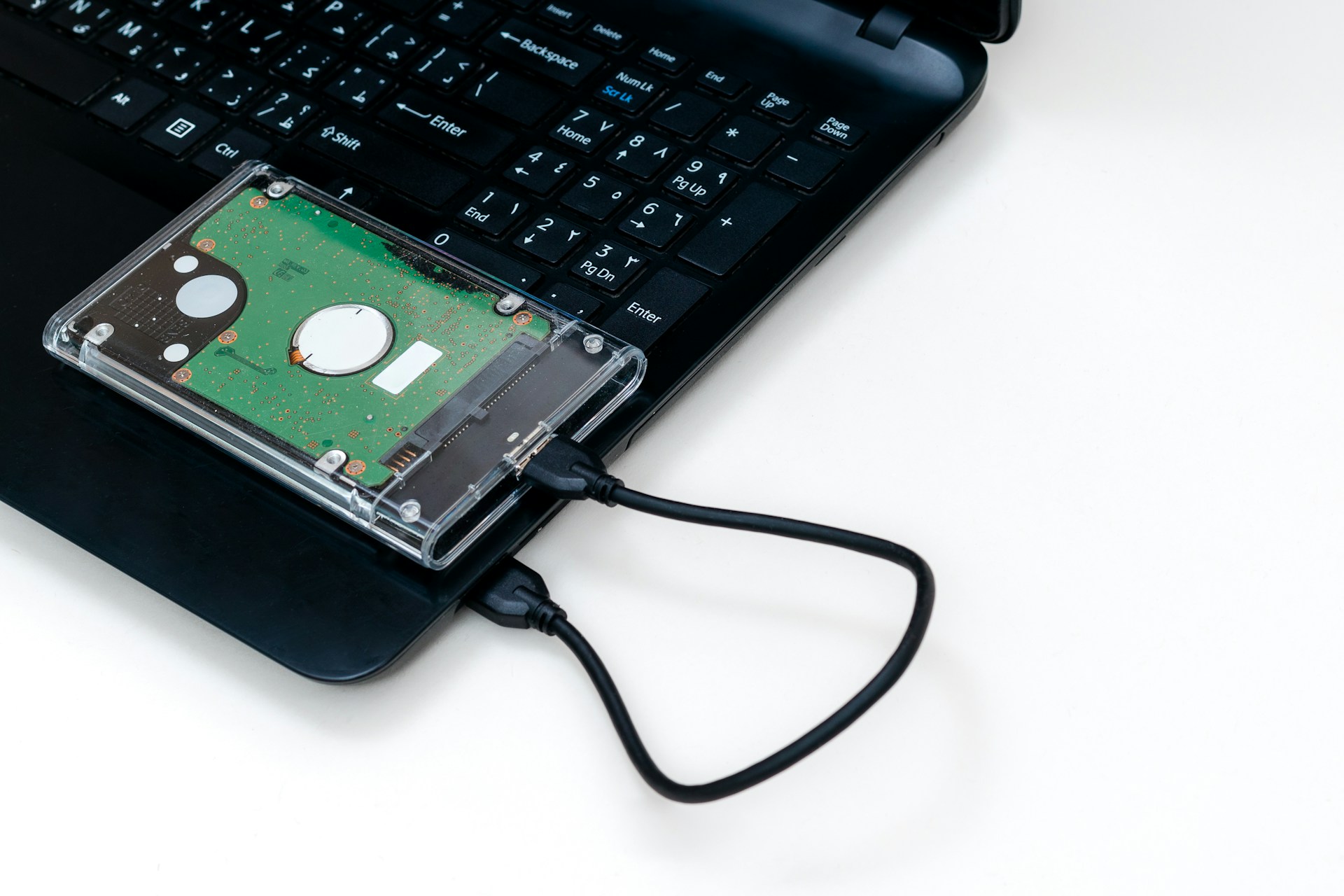
If you've renewed a cyber insurance policy lately, the form probably asked something like "Are your backups immutable?" Most people have never needed that word before. It's worth understanding before you tick a box, because your answer can decide whether a claim gets paid.
What immutable means
Immutable means "can't be changed". An immutable backup is locked for a set time after it's made, say 30 days. During that time nobody can delete it, edit it or scramble it. That includes you, your IT provider, and anyone who has broken into your systems with a stolen admin password.
Why insurers ask
Ransomware is the attack where criminals scramble your files and demand payment to unlock them. Before they do that, they go looking for your backups and delete those first. They know a business with a clean backup can get its files back without paying.
If your backup sits on a drive or server connected to the office network, and a normal login can reach it, the attackers can wipe it along with everything else. A locked backup survives. That gives you a way back without paying, which means smaller claims, and insurers take that into account.
Setups that don't count on their own
These are all worth having, but none is immutable by itself:
An external hard drive or network storage box that stays plugged in
OneDrive, Dropbox or Google Drive keeping your files in sync. Syncing copies every change, including deleted and scrambled files, so it isn't a backup.
A backup that an admin can delete from the backup software's settings
A single backup copy kept in the same building as the computers it protects
Setups that do
Cloud backup storage with a retention lock switched on. Some providers call this object lock.
Backup devices built to lock their copies
Copies taken offline, like a drive that's unplugged and stored away between backups
The test is simple. For a set period, can anyone at all delete this copy? If the answer is no, it's immutable.
Answer honestly, then close the gap
It's tempting to tick "yes" and move on. Insurers can check your setup when you make a claim, and a backup that doesn't match your answer gives them a reason to refuse it. The better move is to find out what you have now. Closing the gap is usually a small change to the backup you already run, not a whole new system.
Elevated IT can look at your current backups, tell you plainly whether they pass, and fix them if they don't. Call us on 1800 620 449, ideally before your next renewal.


