·
2 min read

That slow computer in the corner may not be ready for the tip. Computers usually feel old long before their parts wear out, and one or two well-chosen upgrades can make an older machine pleasant to use again, for a fraction of the price of a new one. Here's what makes the biggest difference.
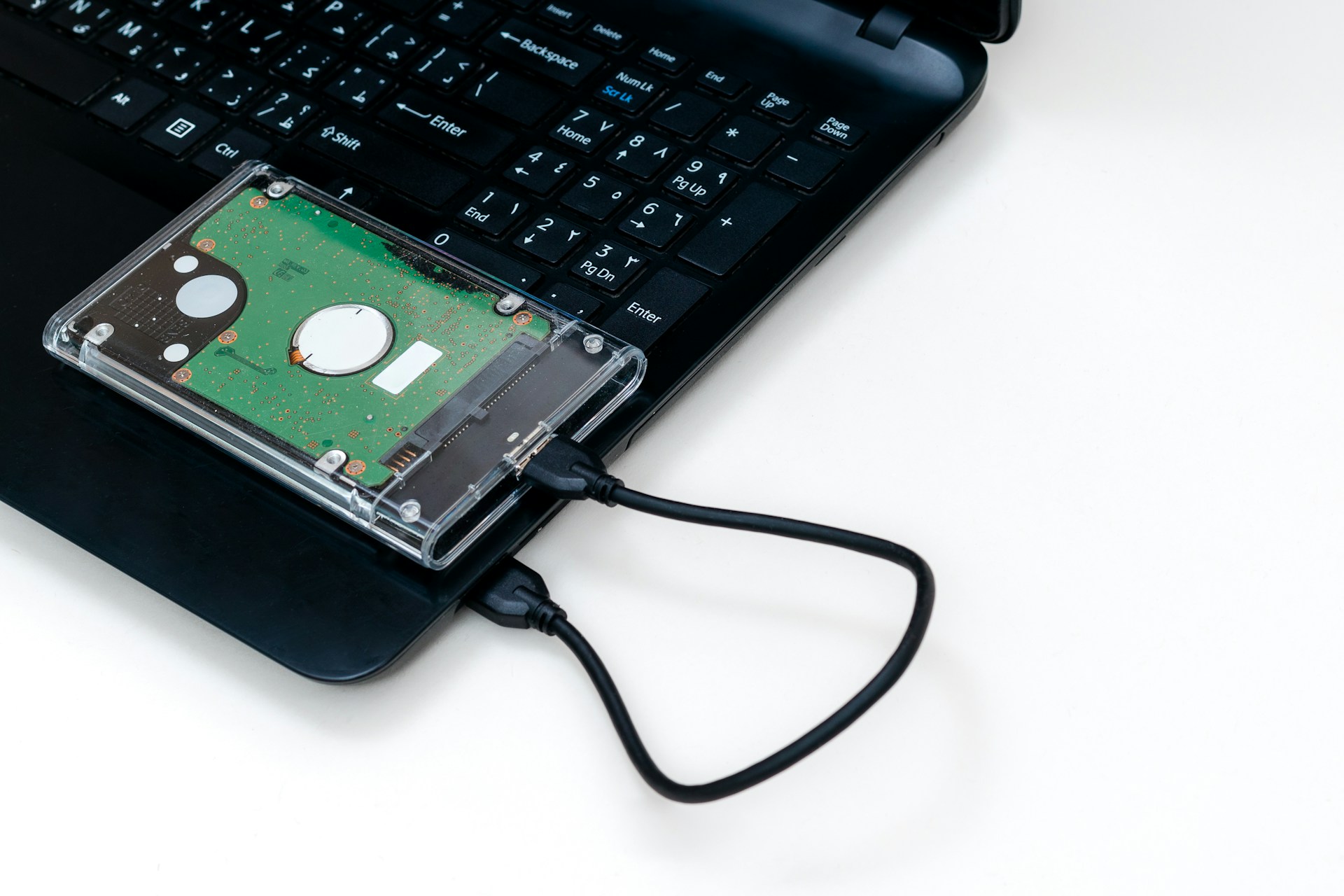
Swap the old hard drive for an SSD
Older computers store everything on a hard drive with a spinning disc inside. Newer ones use a solid-state drive, or SSD, which has no moving parts and is many times faster. If your computer still has a spinning drive, swapping it for an SSD is the biggest improvement you can buy. Starting up, opening programs and finding files all get much quicker. Everything is copied across to the new drive, so the computer comes back with the same files and programs it had before.
Add more memory
Memory, or RAM, is what the computer uses to keep several programs open at once. If it slows to a crawl when you have email, a few browser tabs and a spreadsheet open, it's probably short of memory. Going from 4 GB to 8 GB or 16 GB is cheap and makes moving between programs much smoother. It works best alongside an SSD.
Clear out the clutter
Years of installed programs, toolbars and things that start up automatically all slow a computer down. Removing what you don't use helps. A fresh install of Windows helps more. Dust matters too. Fans clogged with dust make a computer run hot, and a hot computer slows itself down to cope.
Give it a different job
A computer that can't keep up with daily work can still be useful as:
A spare desk for casual staff or visitors
A dedicated computer for a label printer or point-of-sale system
A simple computer for reception or a meeting room
Know when to stop
Upgrades have limits, and one matters more than speed. Microsoft's standard support for Windows 10 ended in October 2025, so businesses now have to pay for its security fixes. Most computers made before about 2018 can't run Windows 11. A computer that no longer gets security fixes shouldn't be used for email, banking or client records. That's a real security risk, not just an annoyance.
Very old processors also reach a point where no upgrade will help. A good rule is this. If the upgrade costs more than half the price of a suitable new computer, put the money towards the new one.
Not sure which way to go?
Elevated IT can look over your computers, upgrade the ones worth keeping and find good-value replacements for the rest. When a computer is retired, we wipe its drive securely first. Call us on 1800 620 449 for an honest answer on each machine.